What Records Does a Landlord Actually Need to Keep, and for How Long?
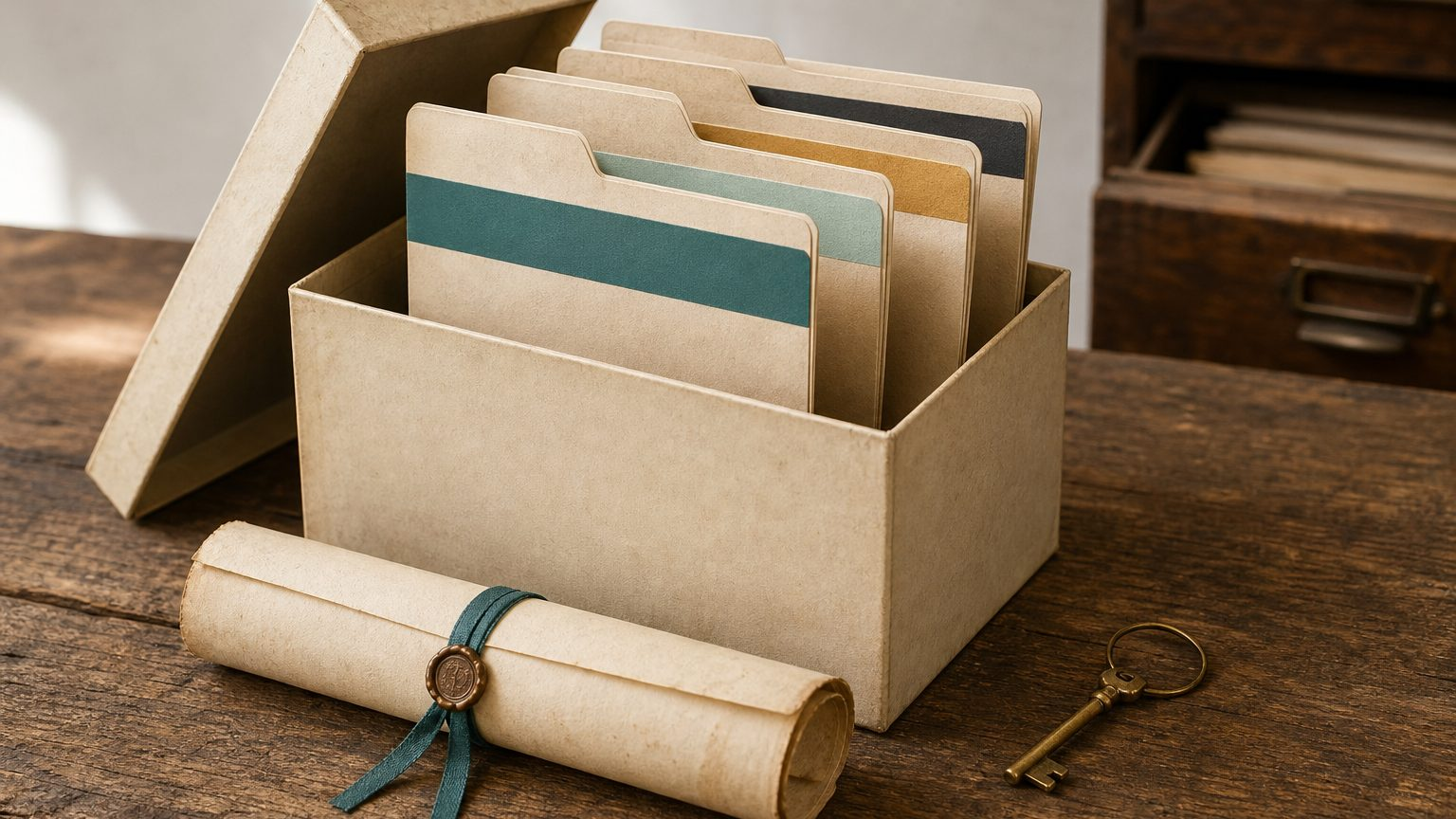
Keep four kinds of records: transaction evidence (statements, receipts, invoices), income records (leases, rent rolls, platform statements), property records (closing documents, improvement invoices, loan documents, kept through ownership plus several years after sale), and entity records (operating agreements, insurance). If it supports a number on your return or establishes basis, keep it. Your CPA sets the exact retention years.
What Counts as Transaction Evidence?
Every dollar in your books should trace back to a document. That is the whole job of this category: bank and credit card statements, vendor receipts, and invoices for anything you paid or were paid. Together they are the proof behind every number in your bookkeeping system, and they are what a CPA or, less pleasantly, an auditor asks for first if a deduction gets questioned.
The habit that makes this easy is boring on purpose: file the statement or receipt the week it arrives, not the week before taxes are due. Reconstructing a year of receipts from memory in March is exactly the failure mode we cover in 7 Bookkeeping Mistakes Landlords Make, and it is avoidable with almost no ongoing effort if you build the habit early.
What Income Records Do I Need to Keep?
Transaction evidence proves what left your account. Income records prove what a tenant or guest actually owed and paid, which is a different question. For long-term rentals, that means signed leases and rent rolls showing who paid what, when. For short-term rentals, it means the payout or reservation reports from every platform you list on: Airbnb, VRBO, or a booking engine like OwnerRez.
These reports matter more than most landlords assume, because a bank deposit alone does not show you gross revenue, guest fees, or platform commissions; it shows a net number. The platform report is what lets you (or us, doing your books) reconstruct the real transaction behind that deposit. Keep the report, not just the deposit total.
What Property Records Do I Need, and for How Long?
This is the category landlords underestimate, because the records that matter most are the ones you file once at purchase and then need again years later, sometimes a decade or more. Keep:
- Closing documents from purchase: the settlement statement or closing disclosure, showing purchase price and closing costs that factor into your basis.
- Improvement invoices, every project that adds to the property’s basis rather than just maintaining it. See Capital Improvement vs. Repair: The IRS Test for which is which; this article is about keeping the paperwork once you know.
- Loan documents, the note and closing paperwork for any mortgage or refinance on the property.
Here is the part that trips people up: these records need to survive the entire time you own the property, plus several years after you sell it. That is because basis and depreciation trace all the way back to the purchase, and the IRS can ask about the year of sale long after the purchase paperwork feels irrelevant.
“The purchase closing statement from a property you bought eight years ago is not old paperwork. It is the first line of a calculation your CPA has not finished yet.”
Example, invented numbers: say you bought a rental for $220,000 in 2020 and put a new roof on it in 2023 for $18,000. Both the 2020 closing documents and the 2023 roof invoice need to survive not just until you sell, but for several years past the sale, because they are still part of the basis calculation your CPA runs when the sale is reported.
What Entity Records Round Out the File?
If you hold property in an LLC or other entity, add the paperwork that documents the entity itself: the operating agreement, formation documents, and any amendments. Keep current insurance policies too, both because a claim will ask for them and because they are evidence of coverage if a dispute ever comes up.
None of this needs a filing cabinet. A well-organized digital folder, one subfolder per property plus one for the entity, does the job better than paper, because it is searchable and it survives a move or a flood.
File as it arrives, not as you need it
The single biggest predictor of a clean record file is timing: scan and save the closing statement, the improvement invoice, the insurance renewal, the same week it lands. Waiting to organize it later almost always means it never gets organized at all.
How Long Do I Actually Need to Keep All This?
The principle that covers every category above: keep anything that supports a number on a tax return, or that establishes your basis in a property. If a document does neither, it is fine to let it go eventually. If it does either, the safe assumption is to hold onto it.
In general terms, records supporting a single year’s return are commonly kept for several years after filing. Records establishing property basis need to survive the entire ownership period, then several years beyond a sale, because they stay relevant to that sale’s reporting. Those are rules of thumb, not a number we are asserting as your answer. The exact retention period for any specific record, especially around a sale, a like-kind exchange, or an unusual filing situation, is a determination your CPA should make for your specific return.
A landlord who stores documents consistently as they arrive, with clear property-level naming, never has to answer that question under time pressure. Organizing is the part we handle. The retention rule for your situation is the part we hand off.
The Bottom Line
Four buckets cover it: transaction evidence, income records, property records, and entity records. Property records are the ones that outlast everything else, because basis and depreciation reach back to the purchase and forward past the sale. Store documents as they arrive, keep digital copies organized by property, and let your CPA set the specific retention clock for your return; our job is making sure the documents are there and organized when that clock matters.
Frequently asked questions
How long should I keep rental property records after I sell?
Property records tied to basis, purchase closing documents and improvement invoices in particular, generally need to survive several years past the sale, because they factor into how the sale is reported. The exact number of years depends on your specific filing situation, so confirm the retention window with your CPA rather than assuming a fixed rule.
Can I keep digital copies instead of paper receipts and statements?
Yes. A clear digital scan or downloaded statement is treated the same as the paper original for bookkeeping purposes. Digital is usually the better choice: it is searchable, it does not degrade, and it survives a move that paper files often do not. Consistent file naming by property and date makes it usable later.
What is the single most commonly lost record for landlords?
Improvement invoices, especially for projects paid across multiple invoices like a roof replacement with a deposit, progress payment, and final bill. Landlords often file the final invoice and lose the deposit receipt, which understates the improvement’s total cost and the basis it should add. Keep every invoice for a project together as one record.
Keep reading
More articles on landlord bookkeeping from Real Cents Organized.
Ready to hand off your books?
Book a free 20-minute call. We will scope your portfolio and show you exactly how we would clean it up.
Schedule a Free Call →